
Health
Unlock Hidden Gesture Control on Your Garmin Watch

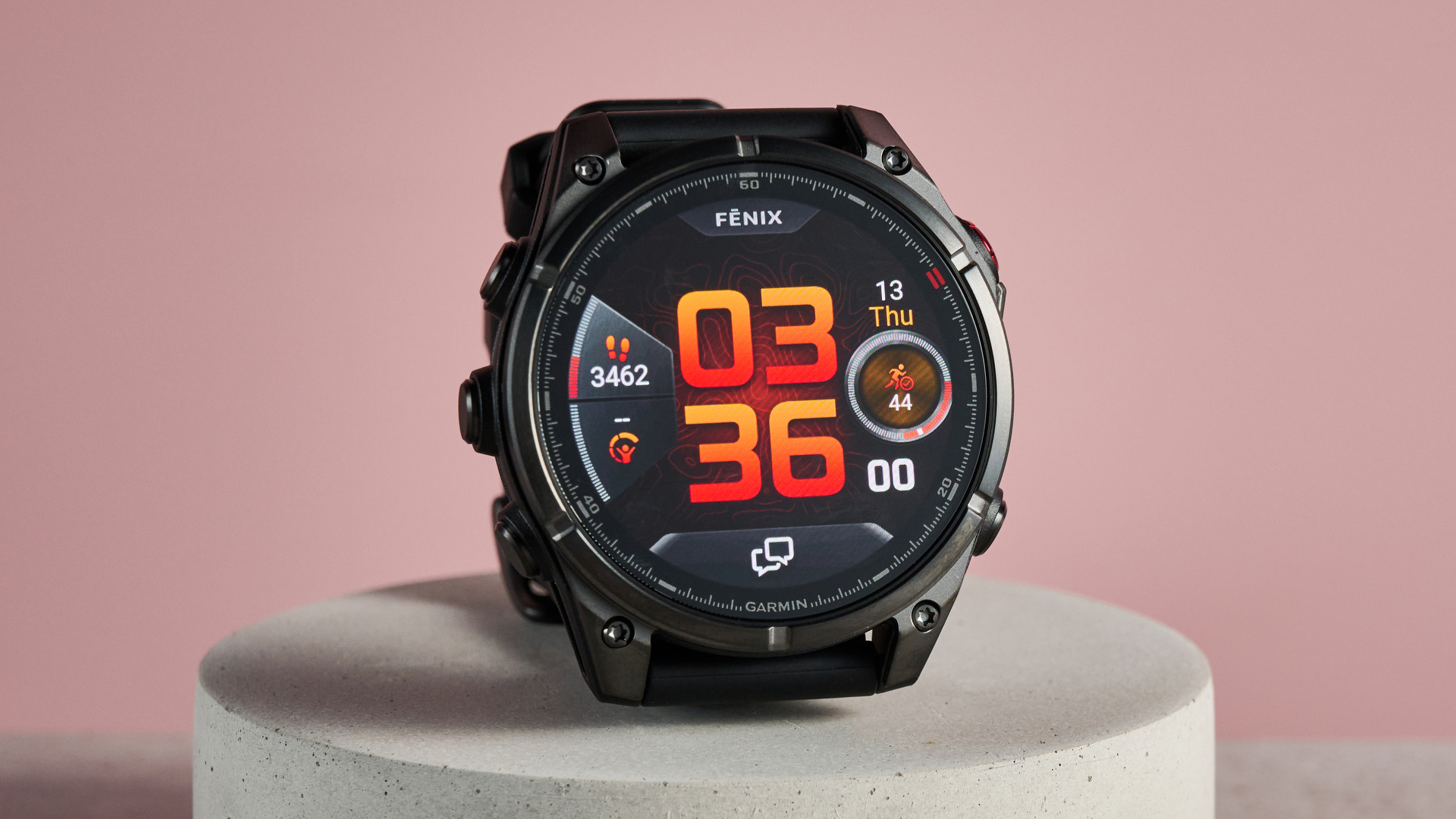
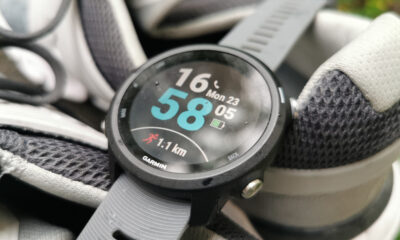
Garmin has introduced a lesser-known feature on its devices that allows users to return to the home screen with a simple gesture. This palm gesture provides a quick and efficient way to navigate the many settings and functions of Garmin watches, enhancing user experience significantly.
Garmin offers a wide array of features across its devices, from tracking workouts to monitoring health metrics. Users often find themselves deep within complex menus, pressing the ‘back’ button multiple times to return to the main watch face. This can be frustrating, especially when simplicity is preferred in technology.
The palm gesture, available on most Garmin watches, allows users to return to the home screen simply by covering the watch face with their palm. This feature is particularly useful when navigating through various settings or viewing live data, such as heart rate or Body Battery levels.
While discussing Garmin devices with Cat Ellis, TechRadar’s Homes Editor, she noted that her new Lily 2 Active did not support this gesture. Ellis expressed her disappointment, as this hidden feature is not widely publicized but serves as a valuable shortcut for many users.
The palm gesture does not function when tracking an activity; however, it serves another purpose. During a run on my everyday Garmin Venu 4, using the gesture activated the touchscreen lock instead of returning to the home screen. This lock prevents accidental touches caused by sweat or clothing, ensuring that users can focus on their workout without interruptions.
For users with watches that feature a touchscreen lock, the palm gesture is straightforward and effective. Unfortunately, the Lily 2 Active lacks this function, which explains why the gesture does not work on that specific model.
How to Use the Palm Gesture
To utilize the palm gesture on a compatible Garmin watch, follow these steps:
1. Navigate through the various menus and settings as usual.
2. To return to the home screen, simply cover the entire watch face with your palm for a brief moment.
3. The watch will revert to the home screen, and the backlight will also dim automatically.
Garmin explains, “If you want to return to the watch face from any screen (except while recording an activity), you can press your palm to the entire watch face. This will also turn down the backlight. You can turn on the backlight or wake the display by tapping it.”
This gesture is a valuable addition to the navigation options available on Garmin devices, especially for those who frequently explore multiple settings. With technology continually evolving, features like these serve to streamline user experience, making it easier to interact with complex devices.
For more tips and updates on Garmin products, consider following TechRadar on various platforms, including Google News, YouTube, and TikTok.









New $25 Million Funding Boosts Hospital Capacity Ahead of Winter

Discover Sleep Space’s Affordable Bach Bed Packages Today

Jury Dismissed in Sexual Assault Trial Over Misguided Questions

Wellington’s New Gallery Unveils Community-Driven Art Exhibition

All Whites Face Challenges as Injuries Strike Before World Cup

Heroic Bystander Rescues Swimmers from Dangerous Surf in Napier

Nina Oyama Returns to Crime Comedy in Deadloch Season 2

China Southern Airlines Offers Reliable Journey from Auckland to Vietnam

Nina Oyama Returns to Deadloch for Anticipated Season 2

Community Mourns Teens Lost in Mount Maunganui Landslide

Tributes Pour In for Lachlan Rofe, Reality Star, Dead at 47

Private Funeral Held for Dean Field and His Three Children

Funeral Planned for Field Siblings After Tragic House Fire

Netball New Zealand Stands Down Dame Noeline Taurua for Series

Julian Dennison Ties the Knot with Christian Baledrokadroka in New Zealand

New Research Reveals Simple Path to Enhanced Happiness

New ‘Maverick’ Chaser Joins Beat the Chasers Season Finale

Silver Ferns Legend Laura Langman Criticizes Team’s Attitude
-
 Top Stories3 months ago
Community Mourns Teens Lost in Mount Maunganui Landslide
-
 Entertainment7 months ago
Tributes Pour In for Lachlan Rofe, Reality Star, Dead at 47
-
 World5 months ago
Private Funeral Held for Dean Field and His Three Children
-
 Top Stories5 months ago
Funeral Planned for Field Siblings After Tragic House Fire
-
 Sports7 months ago
Netball New Zealand Stands Down Dame Noeline Taurua for Series
-
 Entertainment3 months ago
Julian Dennison Ties the Knot with Christian Baledrokadroka in New Zealand
-
 Science6 months ago
New Research Reveals Simple Path to Enhanced Happiness
-
 Entertainment6 months ago
New ‘Maverick’ Chaser Joins Beat the Chasers Season Finale
-
 Sports7 months ago
Silver Ferns Legend Laura Langman Criticizes Team’s Attitude
-

 Sports5 months ago
Eli Katoa Rushed to Hospital After Sideline Incident During Match
-

 Sports6 months ago
All Blacks Star Damian McKenzie and Partner Announce Baby News
-

 Politics6 months ago
Netball NZ Calls for Respect Amid Dame Taurua’s Standoff